
Media player · you bring the playlist
Miru
Scan the TV. Just watch.
Setup finishes on your phone — no typing on the remote, no house call when the playlist changes.
Pair your TV in the browser. Miru is the player — you bring your own playlist.
Important: Miru is a media player only. It does not provide any content and is not affiliated with any content provider. To watch anything, add your own playlist.
How it works
Three steps. About two minutes.
Install on the TV once. Everything else happens on your phone.
- 1
Install Miru on your TV
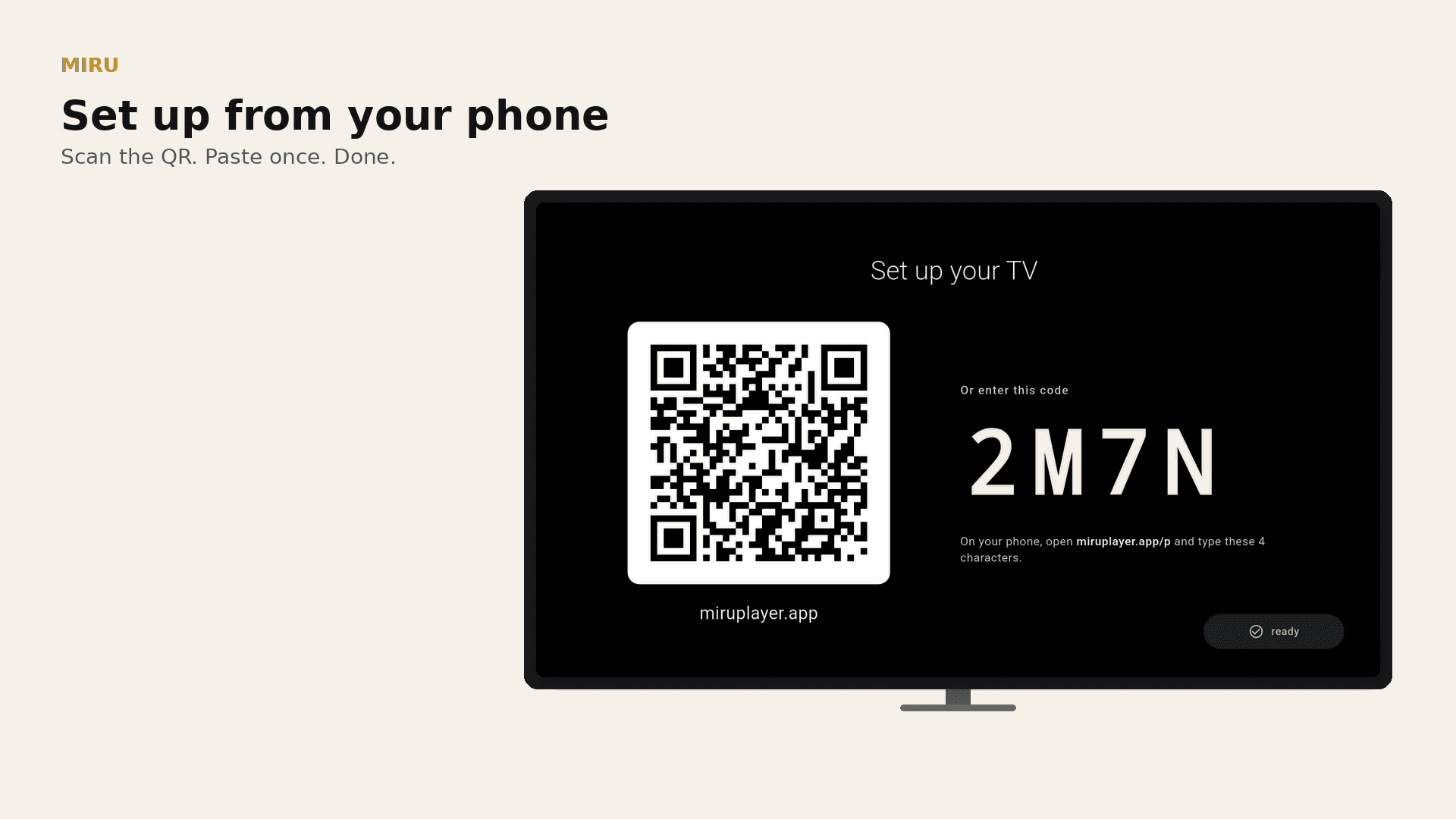
Find Miru in your TV app store, install, and open it. A pairing QR code appears on screen.
- 2
Scan the QR with your phone
Point your phone camera at the TV and tap the link. No app to install on the phone — it opens a webpage.
- 3
Add your playlist on the phone
Paste the login or playlist link your streaming service gave you. Pick favorites. The TV is ready to watch.

The wedge
Scan the TV.
Setup finishes in the browser — no remote typing. Scan the code, paste the playlist, walk away.
Later
Reconfigure from the couch.
Pair a TV, update the playlist, and keep setup out of the remote.
Watch
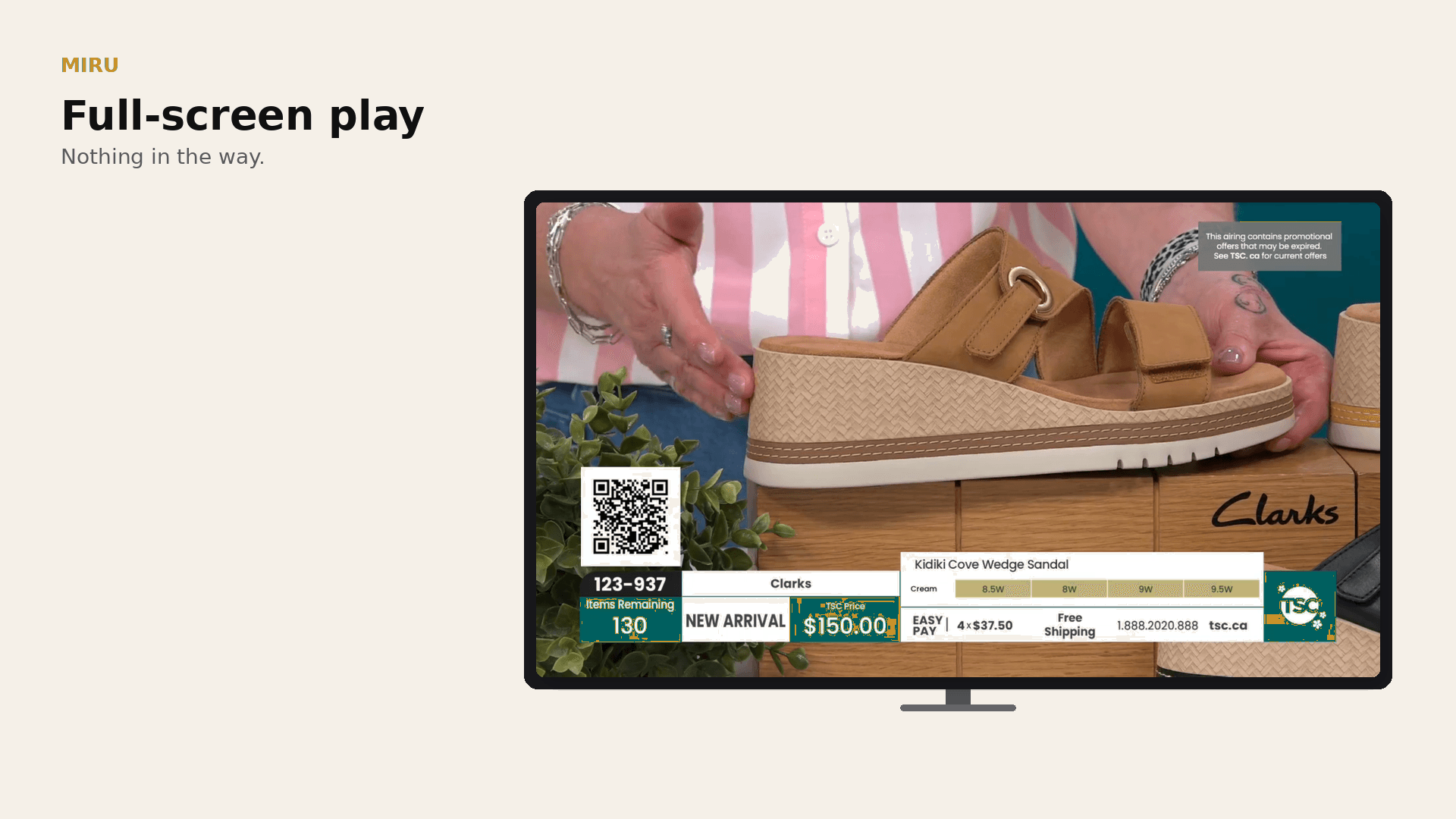
Tap. It plays.
Big lists. Calm player. Arrow keys and OK are enough.
Browser setup
Keep the TV simple
Pair a TV, manage playlists, and update favorites from the browser — the remote stays out of setup.
PairScan once · configure here 
ManagePlaylist and favorites 
DevicesSee paired TVs
Android TV
On the big screen
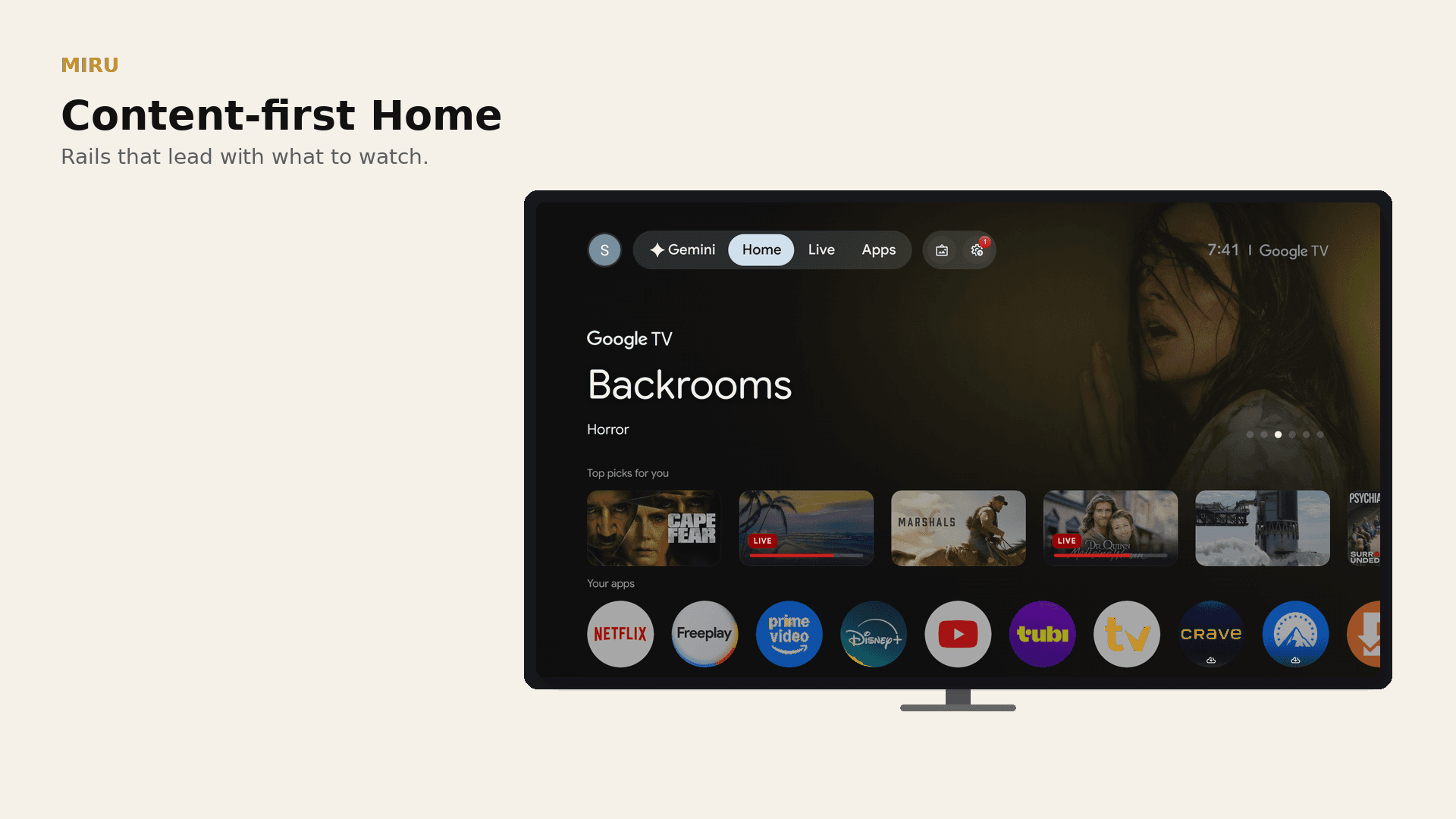
Living-room frames — Home, the guide, and playback.
HomeCalm living-room rails 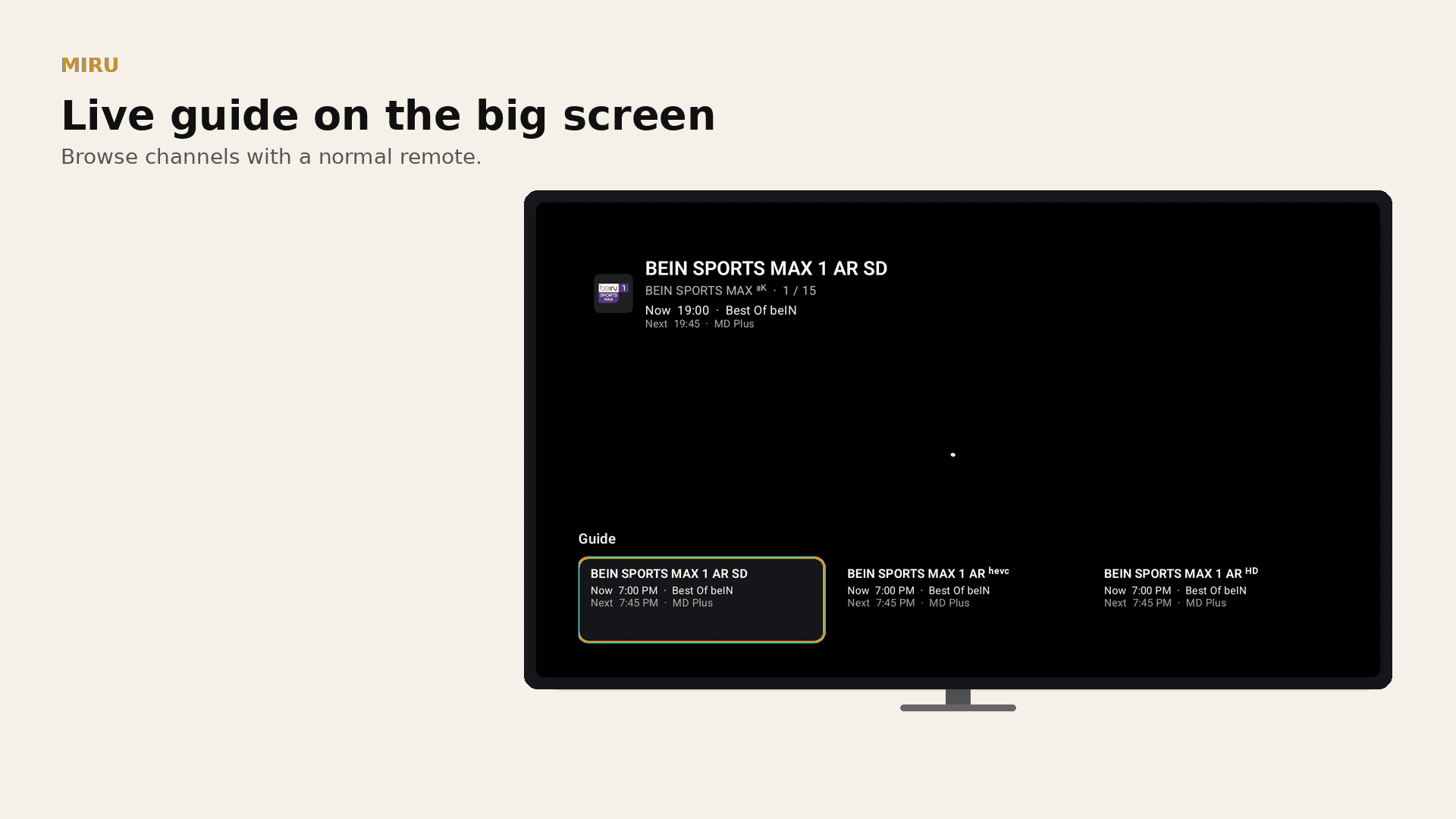
GuideWhat’s on now 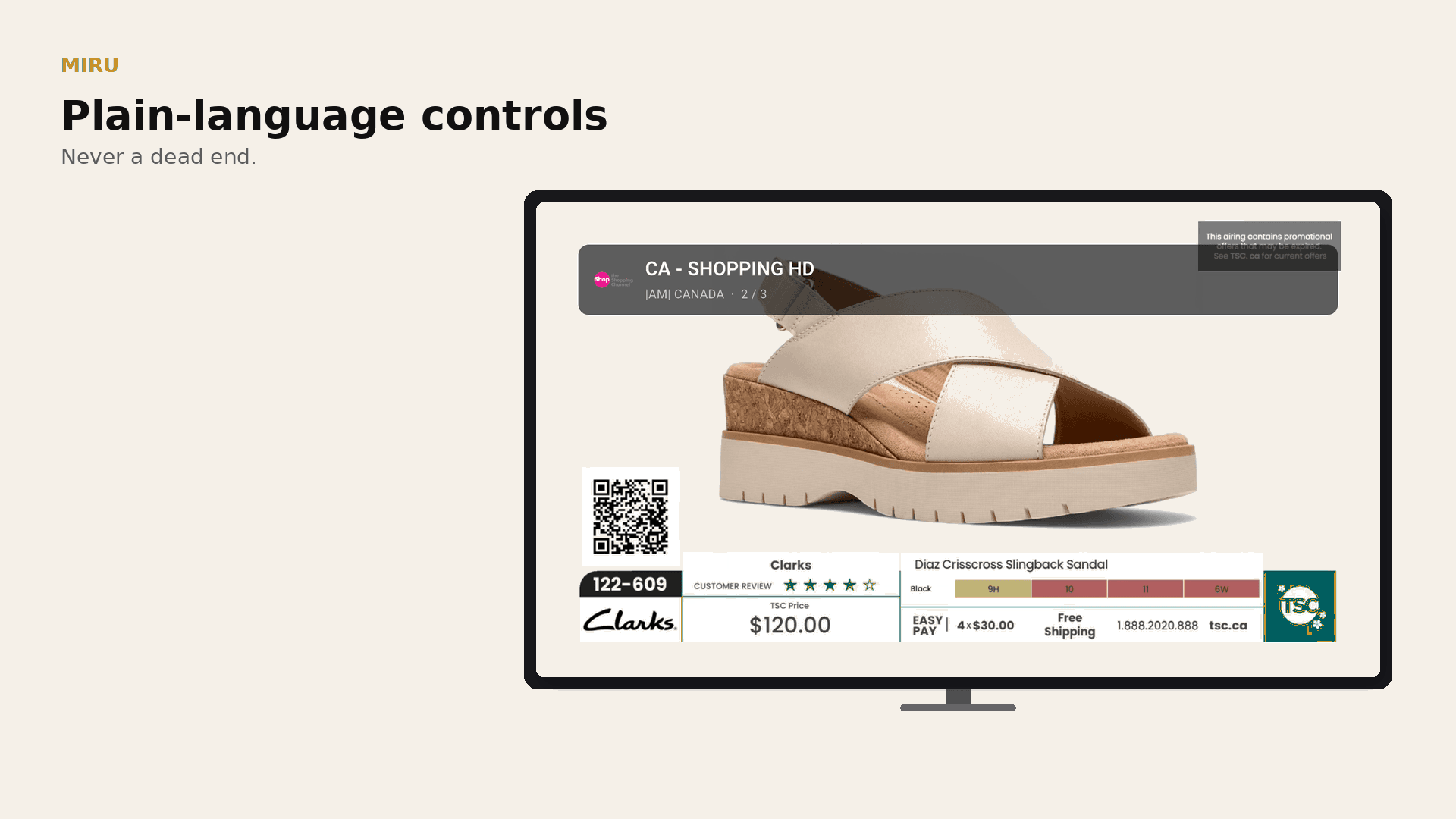
WatchTap. It plays.
Set up your TV. Keep the rest simple.
Use Miru to pair your TV, manage devices, and curate the playlist you already have. Miru never provides media content.
TV setup
Pair a TV and manage setup in the browser.
- Pairing from a short code
- Browser-based device setup
- A calm TV-first experience
- No payment required
Account tools
Manage your Miru account in the browser.
- Account and device management
- Playlist and favorite curation
- Targeted pairing recovery
TV pairing
Pair another TV when you need to.
- Short-code TV pairing
- Encrypted device configuration
- Support when setup needs a hand
You bring your own playlist. Miru is the player; our servers do not provide channels, streams, or media content.
Need help with setup? Contact support
Need a hand?
Keep the living room simple
If pairing or device setup gets stuck, support is one click away.
Support
Here when neededTell us what happened and include the screen or device you were setting up. We will help you get back to the pairing flow.

Hi — I’m the person who built Miru.
I built Miru so my parents — and families like ours — can watch their own playlist on the TV without fighting a remote keyboard. And so I can set it up from my phone when I’m not in the living room.
There wasn’t a calm app that did that well. Miru is the player; you bring the playlist. I hope it makes setup feel like something you can finish in a couple of minutes, then just watch.
— the person who built Miru